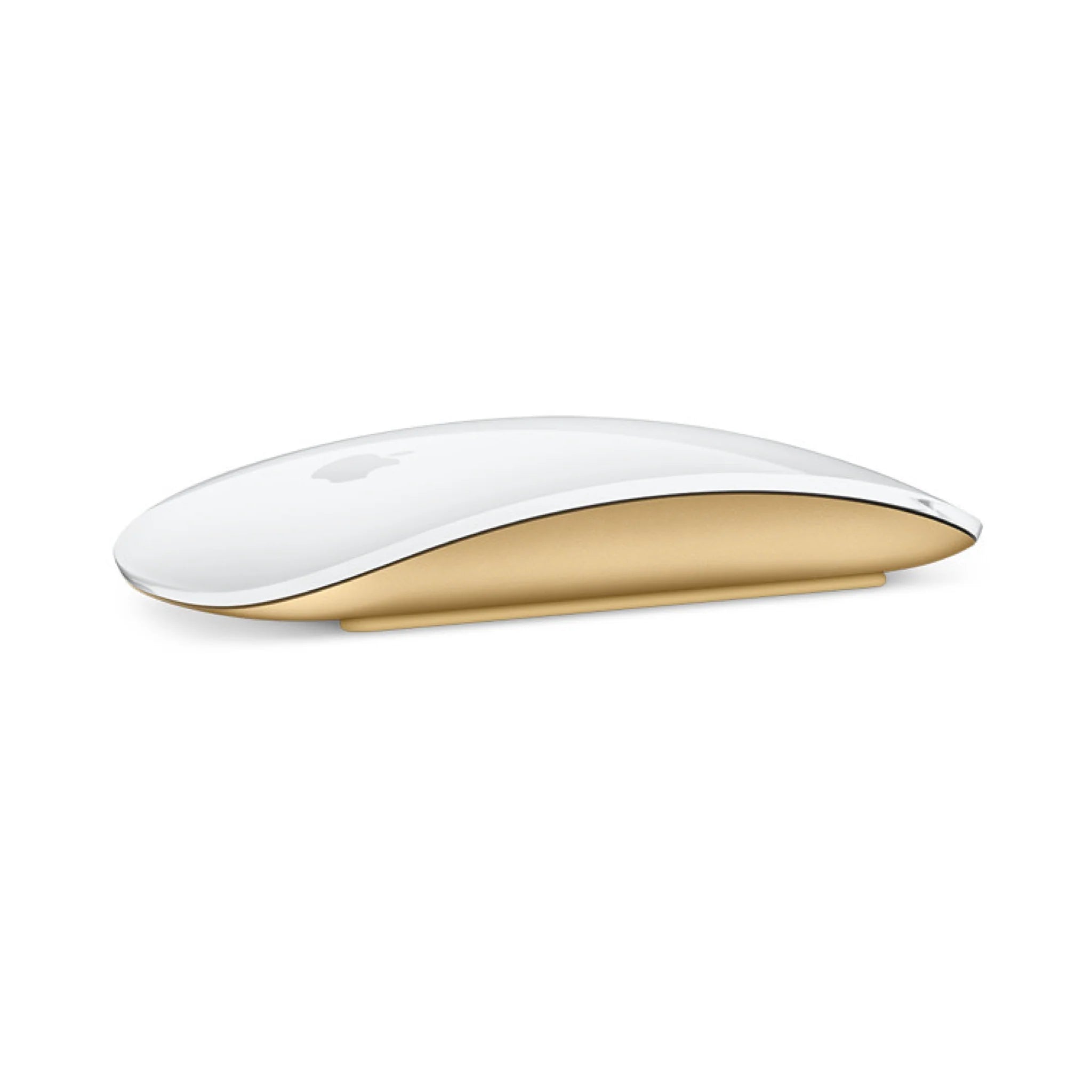
Understanding the Apple Mouse Battery in Daily Use
For many people working on a Mac every day, the apple mouse battery plays a crucial role in keeping workflows smooth and uninterrupted. Apple’s wireless mice are designed to be energy-efficient, but like any rechargeable device, their performance depends on how the battery is used and maintained over time. Whether you are using the mouse for office tasks, graphic design, or casual browsing, the battery gradually drains through normal operation and Bluetooth connectivity.
Modern Apple mice are built to last for long periods between charges, but usage habits can affect performance. Frequent scrolling, constant movement, and leaving the mouse connected even when not in use may reduce overall efficiency. Understanding how the apple mouse battery functions helps users avoid unexpected interruptions during work or study sessions.
How to Check Apple Mouse Battery Quickly on macOS
Many users occasionally wonder how to check apple mouse battery status without installing extra software. Fortunately, macOS already provides a simple way to view this information. When the mouse is connected to your Mac through Bluetooth, the battery percentage can usually be seen directly from the system settings or the menu bar.
Opening the Bluetooth section in system settings will display connected devices, including the mouse and its current battery level. This method answers the common question of how to check apple mouse battery health and charge level in just a few seconds. For users who rely on their mouse throughout the day, checking the battery occasionally can help prevent sudden power loss during important tasks.
What Affects Apple Mouse Battery Life Over Time
Another common topic among Mac users is apple mouse battery life. Under typical conditions, a full charge can last several weeks depending on the model and usage intensity. However, battery longevity can vary depending on factors such as Bluetooth signal strength, operating system settings, and how frequently the device is used.
Environmental conditions can also influence apple mouse battery life. Extremely cold or hot temperatures may reduce battery efficiency, while leaving the mouse switched on overnight can slowly drain power. Many users extend battery performance by turning the device off when travelling or storing it in a bag. Over the long term, maintaining moderate charging habits can also help preserve battery health.
When the Apple Mouse Battery Cover Stuck Problem Appears
Occasionally, users may encounter a situation where the apple mouse battery cover stuck issue prevents them from accessing the battery compartment. This problem is more common with older models that use removable covers. Dust, slight misalignment, or accumulated pressure over time may cause the cover to become difficult to open.
If the apple mouse battery cover stuck situation occurs, gently sliding or pressing the cover while maintaining even pressure can often resolve it. Avoid forcing the mechanism, as excessive pressure could damage the latch. Sometimes simply cleaning the edges of the compartment or adjusting the mouse’s position can help release the cover safely.
Simple Habits to Keep Your Apple Mouse Running Smoothly
Maintaining good charging and usage habits can make a noticeable difference in long-term reliability. Regularly checking battery levels, keeping the mouse clean, and avoiding extreme temperatures all contribute to stable performance. These simple steps reduce the chance of sudden power loss or mechanical issues.
For most users in the UK who rely on Apple devices for work, study, or creative tasks, keeping an eye on the apple mouse battery condition is a practical part of everyday device care. With proper attention to charging cycles, awareness of apple mouse battery life, and knowledge of how to check apple mouse battery status, users can keep their wireless mouse functioning smoothly for years. Even occasional issues like an apple mouse battery cover stuck situation can usually be resolved quickly with a careful approach.